2D technical drawing
RequiredShow dimensions, tolerances, threads, roughness, finish and heat treatment where applicable. Include the part number and current revision.
GUIDE 01 / FILE PREPARATION
Complete drawings and a clear parts list help us assess your part sooner and prepare an accurate quotation — with fewer rounds of clarification.
CNC Machining File Guide · Drawings, files & quotation requirements
Put the key requirements in the first enquiry.
Review geometry, material and scope together.
Keep quotation, production and inspection aligned.
WHAT TO PROVIDE
The drawing controls the requirements. The CAD model helps us understand the geometry. Your parts list keeps quantities and specifications connected.
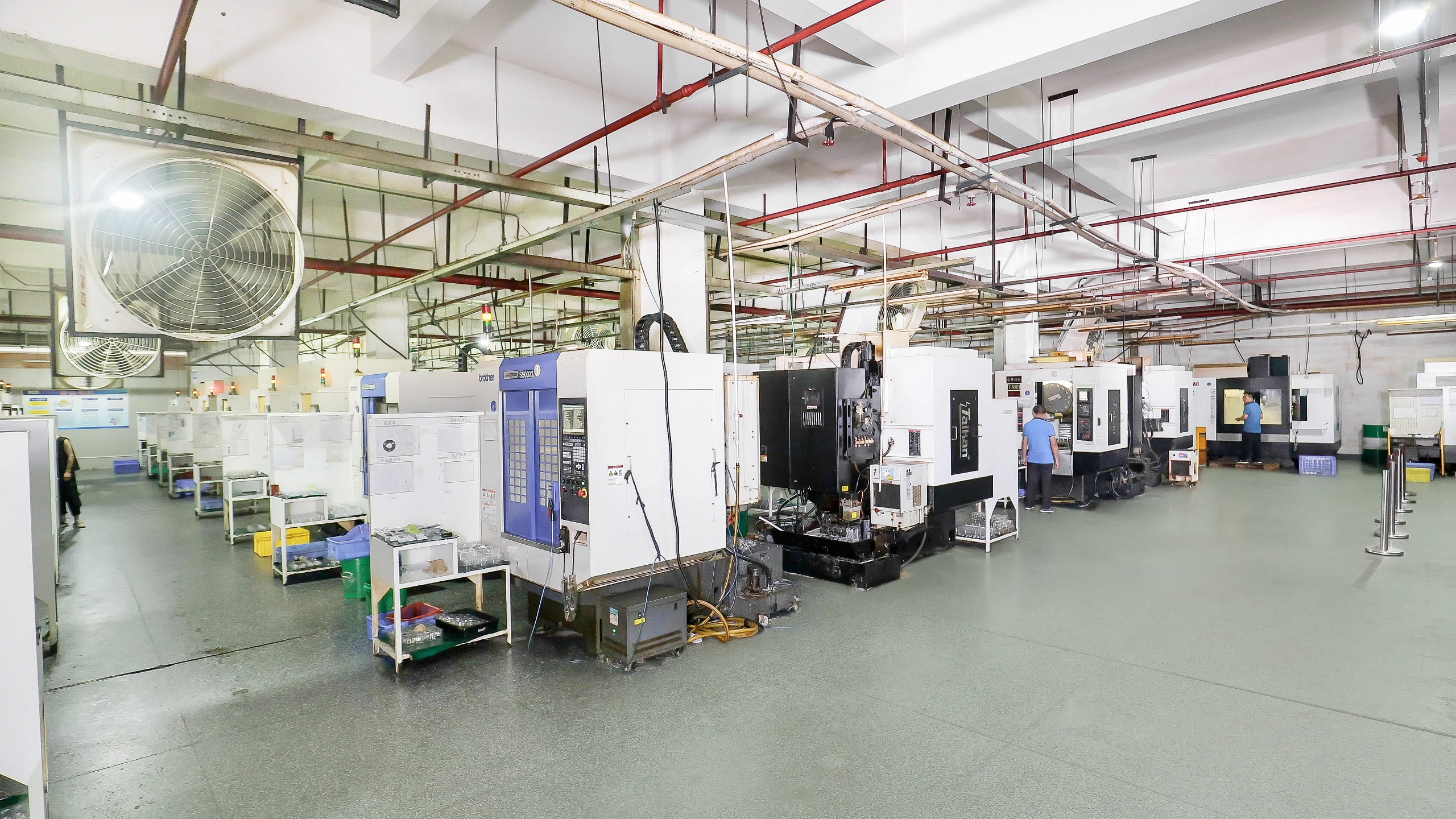
Show dimensions, tolerances, threads, roughness, finish and heat treatment where applicable. Include the part number and current revision.
Complete every required field. Where a requirement is already controlled on the drawing, use “According to 2D drawing” to keep one clear reference.
Optional for simple parts; required for complex or irregular geometry. Supply a STEP / STP model that matches the drawing revision.
YOUR RFQ PARTS LIST
Follow the required-field order in the CK RFQ list. Where the requirement is already on the controlled drawing, refer to that drawing rather than re-enter conflicting values.
Optional / where applicable: 3D CAD file — required for complex geometryDestination countryTarget price
A FINAL QUICK CHECK
Complete and consistent files help CK assess your part faster and prepare an accurate quotation. Use this checklist to catch missing details.
0 / 6 items checked — your own preparation check.
No files are uploaded here. Final suitability and quotation scope are reviewed by CK.
DETAILS THAT HELP
A few practical points to help you prepare the right information. For a drawing-specific question, ask our team.
A 2D drawing can be enough for a simple part. Complex or irregular geometry needs a matching 3D CAD model so CK can review it correctly.
Yes. Use one row per part in the RFQ list and match each part number to its files. Different materials, finishes and quantities can be reviewed in one enquiry.
Identify the discrepancy and tell us which revision is current. We will clarify the requirement before quotation or production rather than assume which file takes precedence.
Identify the dimensions that affect fit, assembly or function and state the applicable requirements. Unnecessary restrictions can affect the manufacturing and inspection scope.
CUSTOMER REVIEWS
In our customers’ own words — from part quality to delivery.
Your material have a really good quality
— 3D printing customer
The parts have already been assembled and I haven't received any complaints…
— Manufacturing customer
Everything was perfect
Good packaging
— 3D printing customer
Don't worry about that, we have already verified the quality of your work…
— 3D printing customer
Nos gusta la calidad de ustedes.
Son nuestro mejor proveedor en cuanto a calidad.— Customer · Original Spanish
The quality is fine, and in the case of these components, we didn't need very high precision, so it's all good.
— Manufacturing customer
Thank you very much once again for the quality of your work.
— Manufacturing customer
CALIDAD MUY BUENA LA DE USTEDES— Customer · Original Spanish
Real messages shared directly with CK. Original wording retained; customer names, companies and order details withheld.
Portraits show CK staff, not reviewers. “CK contact” follows the conversation; “CK team” is a team representative, not an order-handler attribution. No star ratings or external verification implied.







Not sure which files to send or how to describe a critical feature? Talk with any member of the CK team. We’ll help clarify the drawing, material, finish and inspection requirements for your CNC part.